Start here
Before typing anything into a new assistant account, three controls named in the vendors' own help pages decide what happens to it afterward: whether the assistant remembers details across chats, whether a history of prompts is stored and for how long, and whether conversations can be used to improve the underlying model. None of the three is on or off by one universal default; each vendor's page describes its own current defaults and how to change them.
What the documents say
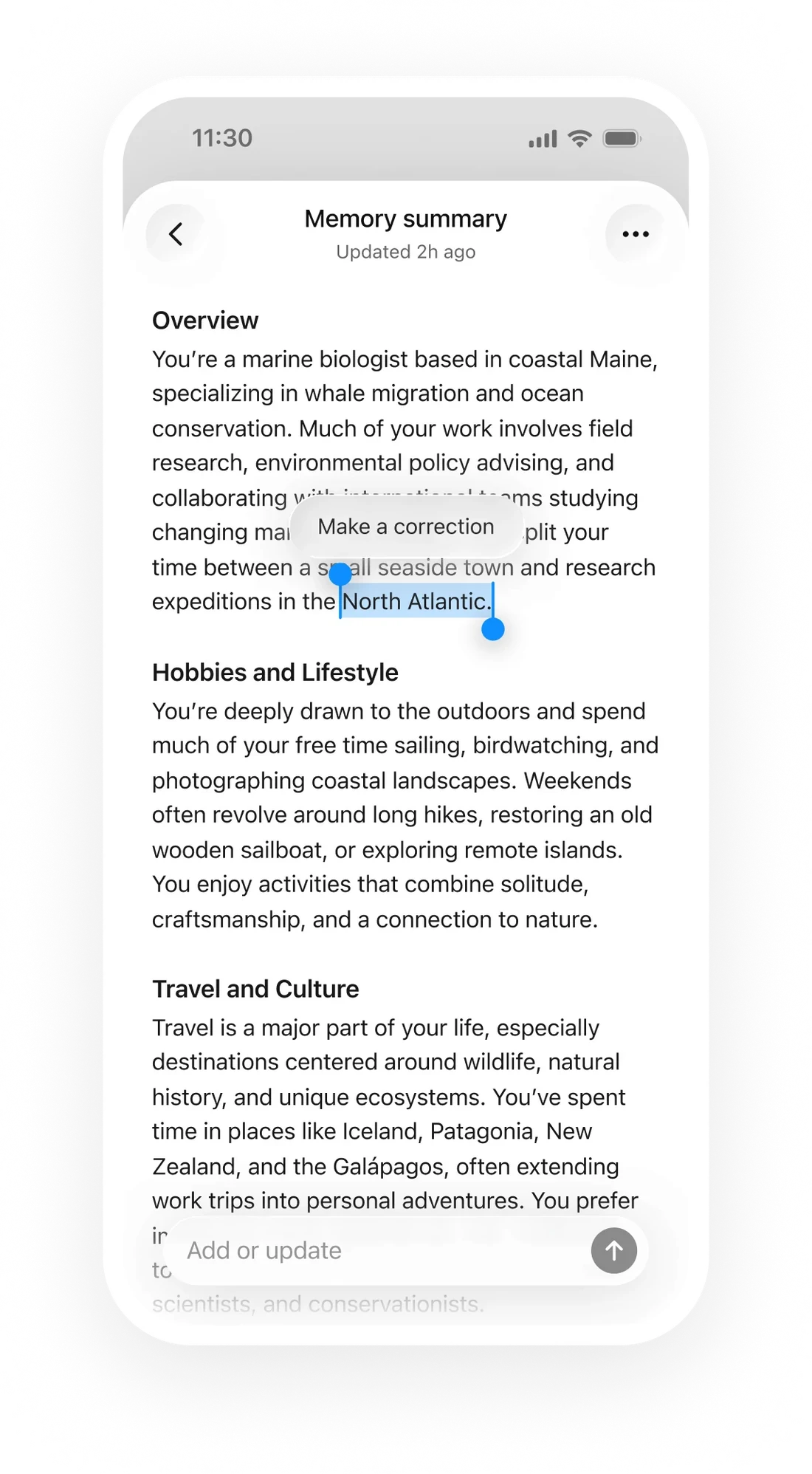
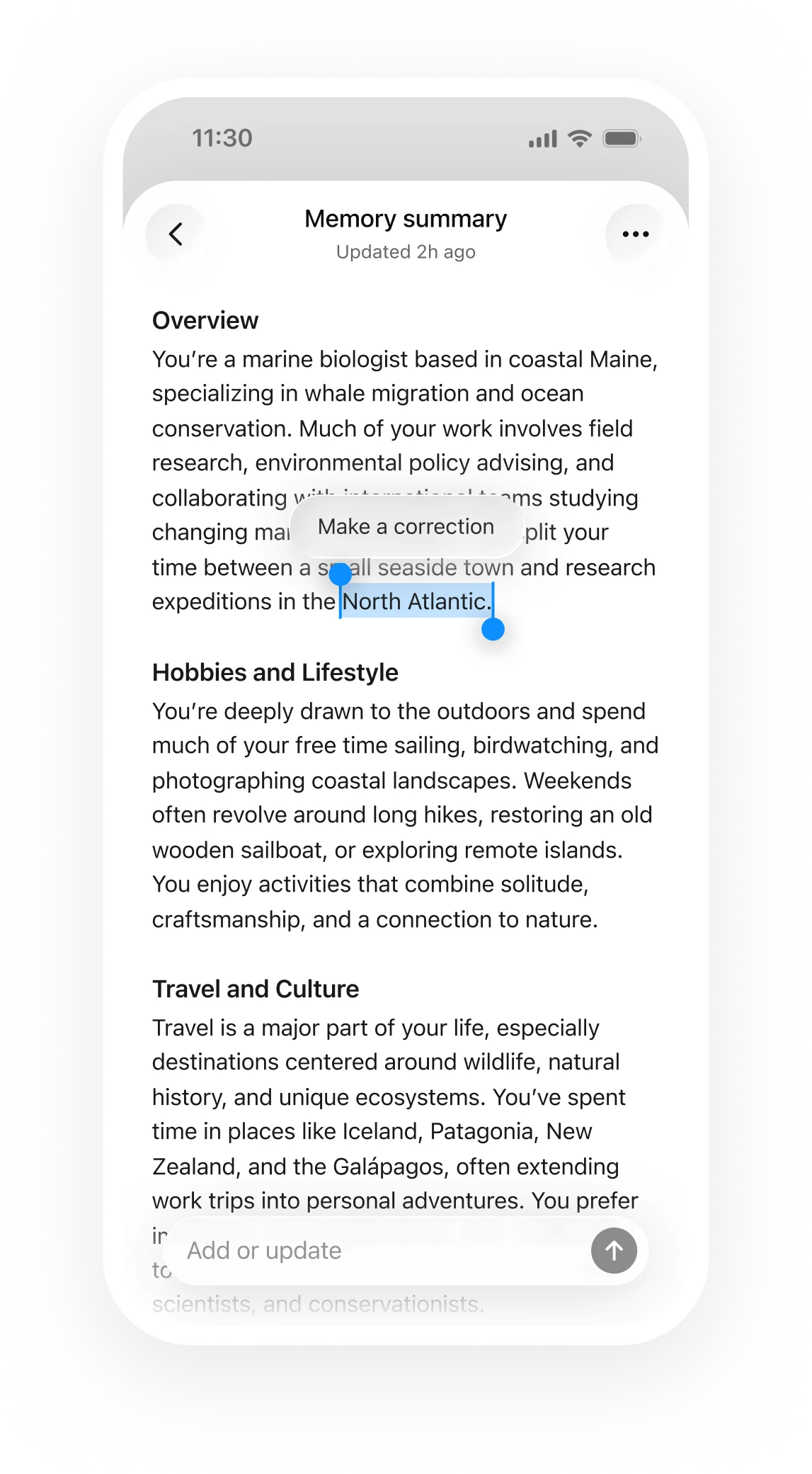
OpenAI's memory FAQ says memory controls sit in 'Settings > Personalization > Memory,' where a person can enable or disable memory at any time, and describes an editable memory summary plus a 'Delete and turn off memory' option that does not delete past chats on its own. Google's help article on Gemini Apps Activity documents a 'Keep Activity' toggle governing whether prompts are stored at all, an auto-delete option with '3, 18, or 36 months' choices, and a separate path for turning activity off and deleting what has already been stored. Anthropic's privacy center article states that, for consumer plans such as Claude Free, Pro and Max, chats are used to improve its models only if a person opts in through a Privacy Settings toggle, a conversation is flagged for safety review, or through an explicit program such as its Trusted Tester Program, and notes that Incognito chats stay excluded from training even when that toggle is on.
Check this
This is an editorial checklist for a first session with any of the three. Open the account's privacy or personalization settings before the first real conversation, not after. Find and read the current default for memory or activity storage, since a default on one plan tier can differ from another. Decide in advance which category a given chat belongs to — worth remembering later, something that should not be stored, or something that should never train a model — rather than deciding after the fact.
What holds and what fails
Reading a setting once at account creation holds only until the vendor changes the page, the default or the product; each page here describes its state as retrieved on 16 September 2026, and settings are worth rechecking periodically. It also does not undo anything already sent before the setting was found. This is an editorial reading of three help pages, not a claim about any specific account's current configuration.
- Find the memory or activity setting for each assistant used, before the next real conversation.
- Check whether a training opt-out and a memory-off toggle are the same control or two different ones.
- Note which chats, if any, should default to a private or incognito mode.
A default is a choice the vendor made until a different one is made in its place.
Sources & reading trail
Describes the ChatGPT memory setting location, its on/off control, the editable memory summary and delete option.
Source published: Not established · Retrieved: 16 September 2026
Documents the Keep Activity toggle, auto-delete periods and manual deletion for Gemini Apps.
Source published: Not established · Retrieved: 16 September 2026
States the opt-in conditions for using consumer Claude chats in training and that Incognito chats are excluded.
Source published: Not established · Retrieved: 16 September 2026
Documentation, regulator guidance and studies establish the record; the checks and the boundary are AI Use Field Guide editorial analysis. This retrospective draft does not imply the site published on the event date.